
A patio rules SVG is a downloadable vector file you edit in software like Inkscape, Illustrator, or Cricut Design Space, then print or cut into a finished outdoor sign. Most people searching for this want a ready-made template they can tweak with their own rules, print on weatherproof material, and mount on a fence post or wall. That's exactly what this guide walks you through, from picking the right template to getting it installed and readable in direct sunlight.
Patio Rules SVG: Download, Customize, and Install Signs

Miles Sutton
4 Jul 2026
What 'patio rules svg' actually means (two different things)
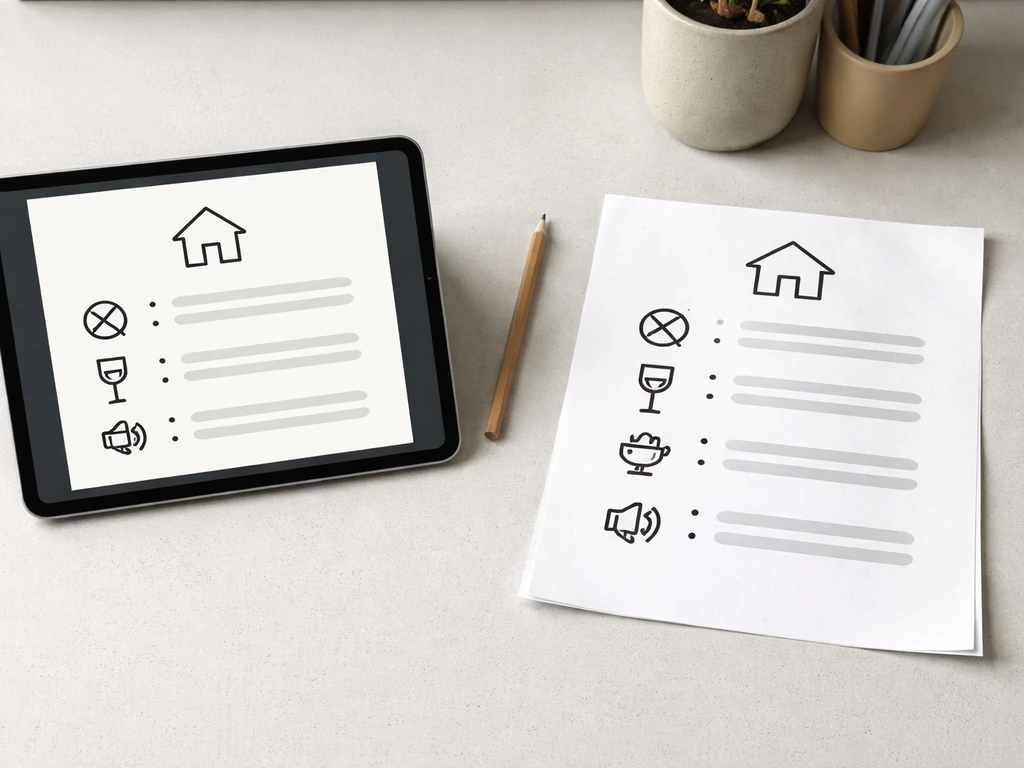
When people search for a patio rules SVG, they're usually after one of two things, and it helps to know which camp you're in before you start downloading files.
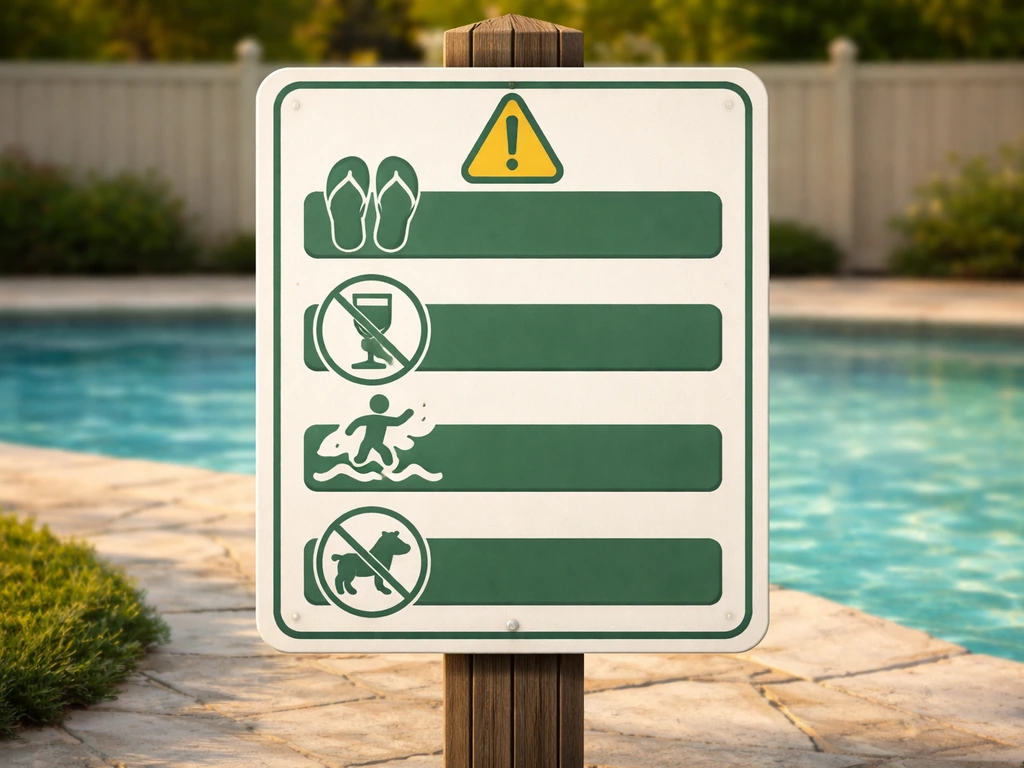
The first and most common meaning is a pre-made sign template in SVG format. Think of it as a finished layout: title text like 'Patio Rules,' a list of house rules, maybe some icons for no smoking or no glass, all packaged in a scalable vector file you can resize without losing quality. These are popular with Cricut and Silhouette users who want to cut vinyl lettering, and with anyone who wants to print a sharp, professional-looking sign at home.
The second meaning is more of a designer tool: individual SVG elements like icons, pictograms, and decorative frames that you assemble yourself to build a custom sign from scratch. If you're comfortable in Illustrator or Inkscape and want full creative control, this route gives you more flexibility. But most homeowners don't need that level of customization, and a template gets you to a finished sign much faster.
One thing worth checking immediately on any file you download: the license. Free SVG files are often licensed for personal, non-commercial use only, sometimes with an attribution requirement. Creative Commons licenses like NonCommercial (NC) or NoDerivatives (ND) are common. If you're posting a sign at a rental property or shared community space, double-check that the license covers your use case before you print and display it.
Where patio rules signs actually get used
Patio rules signage comes up in more situations than you might expect. Here are the most common ones:
- HOA and shared community spaces: Homeowners associations post rules covering quiet hours (typically 10pm to 7am is a common standard), no glass containers near the pool, no smoking or vaping, and pet leash requirements. A printed SVG sign on weather-resistant substrate is a cost-effective way to display these consistently.
- Pool and hot tub areas: Pool rule signs almost always include no glass, no smoking, lightning/inclement weather exit requirements, and sometimes maximum occupancy. These are some of the most searched patio rules sign categories.
- Rental properties and vacation homes: Hosts use patio rules signs to set expectations around noise, trash placement, outdoor furniture care, and fire pit use without having to repeat the same conversation every checkout.
- Private backyard patios: Even for personal use, a well-designed rules sign adds a fun, finished look to an outdoor entertaining area and can set the tone for guests around things like no shoes on the furniture or lights out by a certain time.
- Multifamily and apartment outdoor areas: Shared rooftop patios and courtyards often require posted rules about garbage, parking, and quiet hours as part of the property's regulations.
If your situation involves an HOA or shared amenity space, it's worth cross-referencing whatever sign you create with your community's actual written rules. If you are using a generic patio rules sign template, always align the wording with your outdoor patio rules guidelines so it reflects what residents or guests must follow. The patio rules topic and outdoor patio rules guidelines for your specific association should always take precedence over generic template wording.
Choosing the right layout and wording
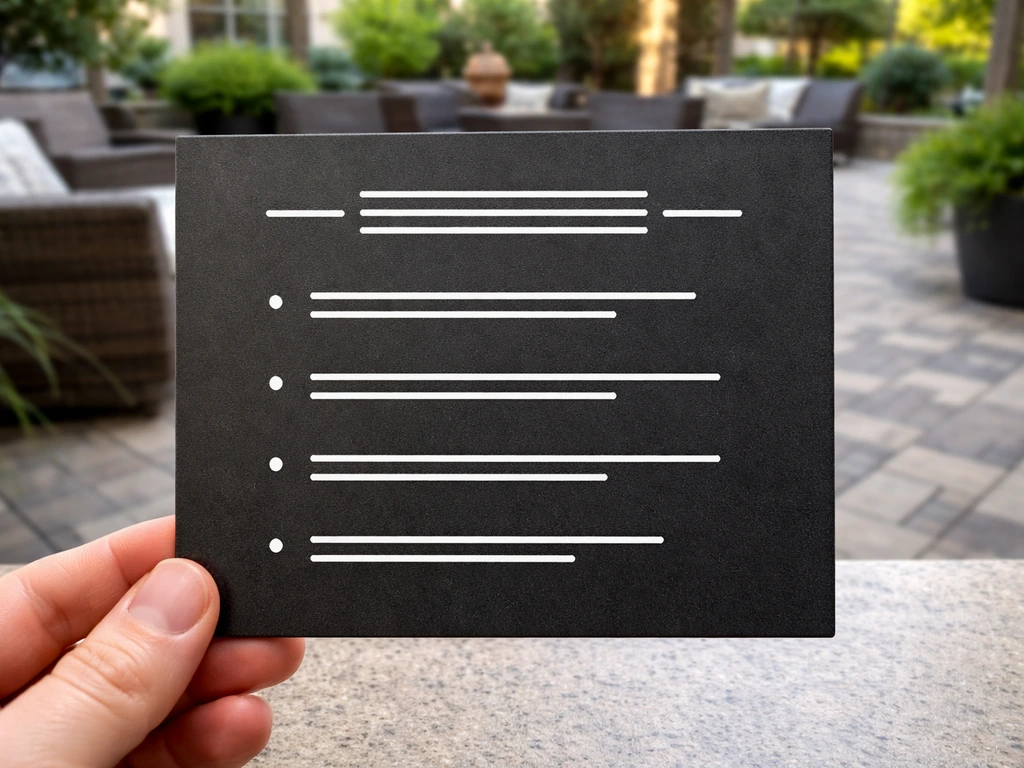
Sign design has real practical rules, not just aesthetic ones. A good patio rules sign needs to be readable at a normal viewing distance, which means thinking about text size before you finalize anything. A useful starting point: 1 inch of capital letter height gives you roughly 10 feet of readable distance. So if your sign will be read from across a patio at 20 feet, your rule text should have capital letters at least 2 inches tall.
Keep your primary message short. A clear patio slope code note can also belong in your main message if local rules require it primary message short. Sign legibility research consistently points to limiting the main text block to around 6 to 8 words for clarity at typical outdoor distances. For a rules list, that means short, punchy lines like 'No glass containers' instead of 'Please refrain from bringing glass bottles or containers into the pool area.'
For layout, a clear hierarchy works best: a bold title at the top (like 'Pool Patio Rules' or 'Backyard Rules'), followed by a numbered or bulleted list of rules in a smaller but still large font, and any contact or exception info at the bottom in the smallest text. High contrast between text and background is critical outdoors, especially in bright sunlight. The U.S. Access Board recommends characters contrast as much as possible against their background, and a matte or non-glare finish reduces washout in direct sun.
For wording, here are the rule categories that come up most often in real HOA and shared-space postings:
- No smoking or vaping
- No glass bottles or containers
- Quiet hours (state the specific time window)
- Pets must be leashed
- No running or diving (pool areas)
- Exit pool/area during lightning or severe weather
- Trash must be placed in designated containers
- Maximum occupancy (if applicable)
How to download, edit, and print your SVG
Finding and downloading a template
Sites like Etsy, Creative Fabrica, and SVG design repositories carry patio rules templates in both free and paid versions. If you're looking for a UCF-specific patio code version, verify the wording and posting requirements before you print ucf patio code. Paid files (usually $2 to $8) tend to come with more flexible licensing and cleaner layering. When you download, look for a file that includes both an SVG and a PDF version, since having both gives you options for different print workflows.
Editing in Inkscape (free)
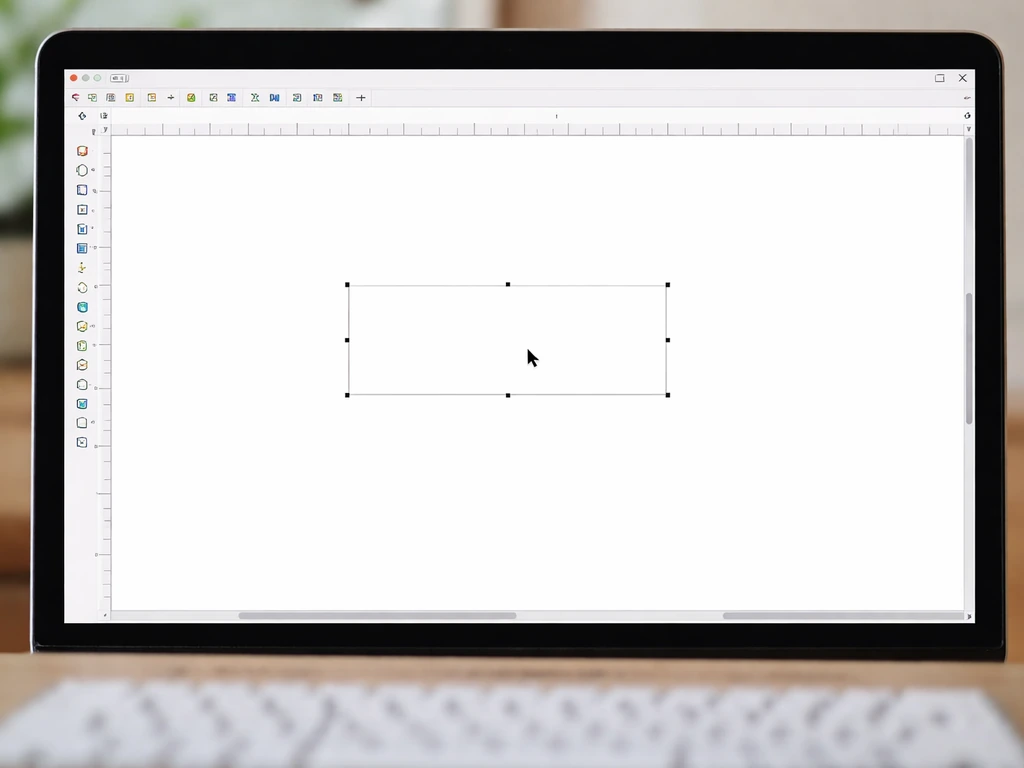
Inkscape is the best free option for editing SVGs on a desktop. Open the file, click on any text element, and you can change the wording, font, size, and color directly. One important note: if the text in the template has already been converted to paths (outlines), you won't see a text cursor, you'll see anchor points. In that case, you'll need to delete the existing text element and create a new text box with your content. When you're done editing, go to File > Export PNG Image (or Export as PDF) to create a print-ready file. Inkscape uses 96 pixels per inch in newer versions, so make sure your document dimensions in the Page Properties match your intended print size before exporting.
Editing in Cricut Design Space
If you're using a Cricut for vinyl cutting or Print Then Cut, upload the SVG through the upload tool in Design Space. Be aware that text inside an uploaded SVG may not be editable in Design Space. Cricut’s help center notes that editable text inside uploaded SVGs may not be supported in Cricut Design Space, so you may need to recreate the text with Design Space tools text inside an uploaded SVG may not be editable in Design Space. If that's the case, Cricut's own recommendation is to recreate the text using Design Space's built-in text tools after uploading the graphic elements. For Print Then Cut projects, keep your design within the supported print area (typically 8.5 x 11 inches for most home printer setups). Always print directly from Design Space rather than exporting a PDF and printing separately, because printing outside the Design Space flow can misalign the cut sensor marks and cause mis-cuts.
Printing for a finished sign
Whether you print at home or use a local print shop, turn off 'Fit to Page' in your printer dialog and set scaling to 100% (Actual Size). This is the single most common cause of incorrectly sized signs. If your sign needs to be larger than a single sheet, a local print shop can output it on wide-format vinyl or aluminum substrate, which is the most durable option for outdoor use.
Installing your patio rules sign outdoors
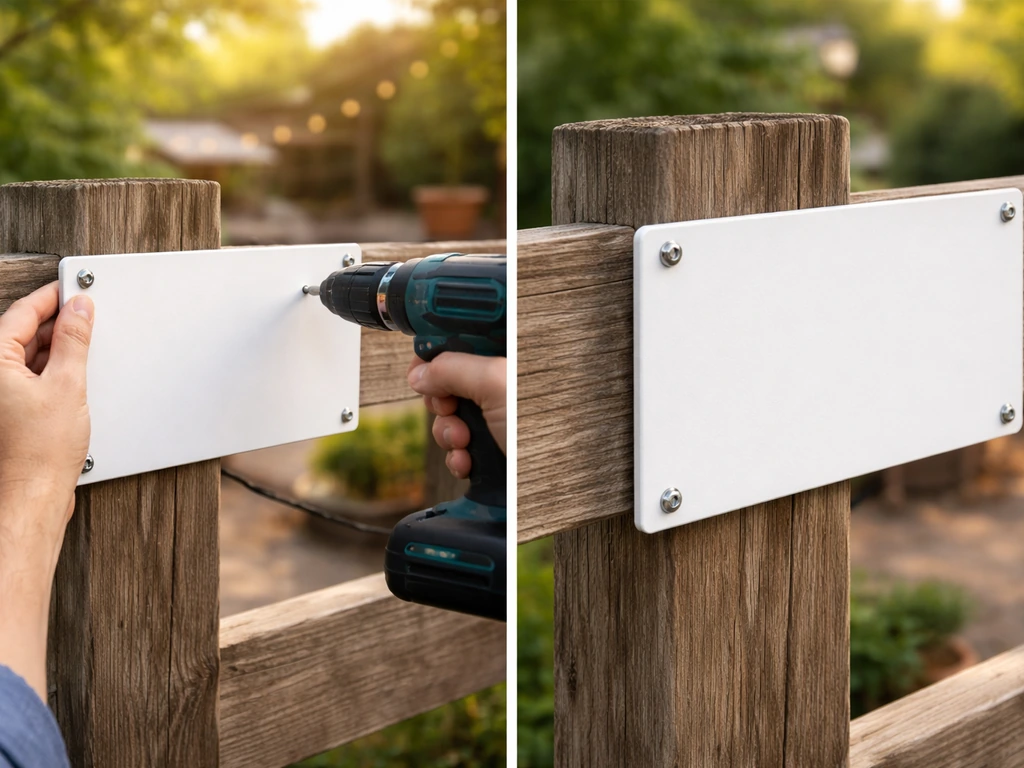
Placement for visibility
Mount the sign at eye level, roughly 60 inches from the ground to the center of the sign. Place it at the main entry point to the patio or pool area so people see it before they're already in the space. If you're also refining your ACNH patio, you can use these same sign layout and readability ideas to keep your path and rule designs clear in-game acnh patio design code. For larger areas, consider a second sign at the far end. Avoid placing signs where they'll be in direct competition with visual clutter like dense planting or busy fence patterns behind them.
Mounting options
- Fence post or rail mount: Use stainless steel or coated screws to avoid rust streaking. Pre-drill to prevent splitting wooden posts.
- Wall or masonry mount: Anchor bolts or exterior-rated adhesive strips work well for smooth surfaces. For masonry, use masonry anchors.
- Freestanding post: A 4x4 pressure-treated post set in concrete gives you placement flexibility anywhere in the yard. Add a routed or routered sign holder on top.
- Zip ties or hook-and-loop strips: Fast and renter-friendly, but only suitable for lighter signs in low-wind areas.
Weather durability
A paper print will degrade in weeks outdoors. For a sign that lasts, you have a few good options. Laminating a printed sign with a UV-resistant cold laminate film adds meaningful protection and, with quality films, can extend outdoor ink life to several years. Products like 3M's graphic protection films are rated for outdoor use and specify durability windows depending on the film grade. Alternatively, printing directly onto PVC foam board, aluminum composite (like Dibond), or outdoor-rated vinyl gives you a sign that needs no additional finishing. If you're going the DIY print-and-laminate route, use a gloss or matte UV-inhibitor laminate rather than a standard office laminator pouch, which won't hold up to moisture and temperature swings.
Compliance and safety considerations
For most private homeowners, there are no legal mandates dictating exactly what your patio rules sign must say or how it must look. But a few practical guidelines are worth following regardless. If your sign is going in an HOA or shared community space, the rules displayed on the sign should match the association's actual written and adopted rules. Outdoor patio rules should match the HOA or community space's official written and adopted rules patio rules sign. Don't use generic template wording that contradicts your actual governing documents, since that creates confusion and can be a liability.
For pool areas specifically, some local jurisdictions require certain safety notices to be posted. Check with your local health or building department if you're managing a shared or semi-public pool, because requirements vary by state and municipality.
On accessibility: while ADA signage standards technically apply to covered public and commercial facilities rather than private residential patios, following the underlying principles is still smart practice. That means strong character-to-background contrast, a non-glare finish, and text that's large enough to be read at the expected viewing distance. These same principles also just make for a better, more usable sign for everyone.
Finally, don't make your sign imply things you can't enforce or that could be misleading. A sign that says 'Pool monitored by security cameras' when there are none, or 'Quiet hours strictly enforced by management' when there's no management, can create problems in rental or HOA contexts.
Common file and printing problems (and how to fix them)
| Problem | Likely Cause | Fix |
|---|---|---|
| Sign prints at wrong size | Printer scaling set to 'Fit to Page' | Set print dialog to Actual Size / 100% scaling |
| Text looks blurry when printed | SVG exported at low raster resolution or text converted to low-res path | Re-export at 300 DPI minimum, or keep text as live text until final export |
| Cricut can't edit text in uploaded SVG | Text was converted to paths in the SVG file | Recreate the text using Design Space's built-in text tools after uploading the graphic elements |
| Cricut mis-cuts after printing from PDF | Sensor marks misaligned when printed outside Design Space | Always print directly from Design Space, not from a saved PDF |
| Silhouette can't find registration marks | Marks cut off, too light, or calibration off | Ensure registration marks are fully visible, reprint with adequate margins, and run the blade calibration routine |
| Colors look different on screen vs. printed | RGB vs. CMYK color mode mismatch | Convert design to CMYK in Illustrator or check with print shop before final output |
| Sign fades quickly outdoors | Inkjet ink without UV protection | Laminate with UV-inhibitor film or reprint on UV-resistant vinyl/substrate |
| Inkscape export looks pixelated as PDF | Rasterization during export | Use File > Save As PDF (not Print to PDF) and check that vector elements remain vector in export settings |
The scale issue is the one that trips people up most often. Before you commit a sign to weatherproof material, print a test copy on plain paper first and measure the actual dimensions with a ruler. Before you commit a sign to weatherproof material, print a test copy on plain paper first and measure the actual dimensions with a ruler, and then confirm your patio rules content matches the wording you plan to post. If the numbers match your intended size, you're good to go. If not, fix the scaling before you invest in materials.
Your practical next steps
- Decide on your sign's purpose and location, and list the specific rules you need to include. Keep each rule to 6 to 8 words.
- Search for an SVG template that fits your layout (sign shape, icon style, number of rules). Check the license before downloading, especially for HOA or rental use.
- Open the file in Inkscape (free) or Illustrator, update the text and colors, and confirm your document size matches your target print dimensions.
- If using a Cricut, upload the SVG graphic elements and recreate text in Design Space. Use Print Then Cut for full-color printed signs.
- Print a paper test copy first and measure it. Then print on your final substrate, whether that's home printer plus lamination, or an order to a local wide-format print shop.
- Mount the sign at eye level (around 60 inches to center) at the main entry point to the space, using exterior-rated hardware appropriate for your surface.
- Check back after the first winter season or after heavy UV exposure. Signs on UV-laminated or aluminum substrates typically hold up for several years before needing replacement.
FAQ
Can I use a patio rules SVG for a rental or shared community space if the file is free?
Most SVGs are licensed for personal or non-commercial use by default. If you plan to display the sign on a rental, sell printed copies, or install it for a business/HOA on behalf of someone else, look specifically for a commercial or redistribution license (and any attribution or modification limits).
What if the text in my patio rules SVG won’t edit or I can’t click it as text?
If you see the text turn into selectable points in Inkscape, it usually means the designer converted the lettering to outlines. The fastest fix is to remove that text object and add fresh text on a new layer, then match the font size and color. Do not try to edit anchor points for readable text.
How do I prevent Cricut Print Then Cut misalignment and bad cutting with patio rules SVG files?
For the clearest results when using a Cricut, export your final design from your editing software at the exact print size, then let Cricut handle the Cut settings. Also, keep the design within the Print Then Cut safe zone and avoid very thin strokes under about 0.5 mm, since they can cut away or look ragged outdoors.
Why does my patio rules sign come out the wrong size even when I think I selected the right dimensions?
No, you generally should not rely on stretching. Set “Actual size” (100% scaling) and turn off “Fit to Page,” then verify the capital letter height against your viewing distance target before you print on weatherproof material. If you need a different size, resize the SVG in the design tool, then re-export.
Can I change icons, borders, and rule text separately in a patio rules SVG?
Yes, but only if the file is built in layers or uses separate vector groups for text, icons, and borders. If everything is flattened into one object, you can still recolor by selecting fills, but you lose fine control over spacing. Check layer structure before committing to edits.
If my SVG is vector, what export settings should I use to avoid blurry patio rules signage?
SVGs are vector, but your exported PNG depends on export settings. For crisp outdoor signs, use a high export resolution (for example, 300 DPI or higher) and export at the final physical size rather than upscaling a low-resolution PNG later.
What design tweaks help patio rules signs stay readable in bright sunlight?
For outdoor readability on a matte finish, aim for high contrast and avoid light gray-on-white combinations. Also leave a little “breathing room” around the outer border so any trimming or mount alignment doesn’t clip the text or icons.
Is lamination enough for outdoor patio rules signs, or do I need a special substrate too?
Using a UV-resistant laminate is often enough, but you still need moisture control. If mounting outdoors, seal edges (especially on cut vinyl or porous substrates) and consider a rigid substrate like PVC foam board or aluminum composite so the sign doesn’t warp and misalign over seasonal temperature swings.
What should I do if the HOA or apartment patio rules change after I install the SVG sign?
Yes, but add a clear “last updated” date or a version label if your rules change. Also ensure the sign wording matches the authoritative HOA or local rules, and avoid absolute enforcement language that could create disputes when policy updates or exceptions apply.